MiniApp Services
The MiniApp Service is an innovative technology that enables rapid development of high-quality mobile services, making it easier for businesses to reach and engage with mobile users. With its easy accessibility, MiniApp Services provide an enhanced user experience by eliminating the need to download multiple mobile apps.
MiniApp Services can be developed with any technology, and the development process is similar to web development, making the transition from HTML5 to Mini App Services is relatively cost-effective for developers.
For the frontend, structures such as ReactJS, VueJS are widely used. Since Super App integrations for the backend are made with APIs, there is no technology restriction on this side either. NodeJS is widely used.
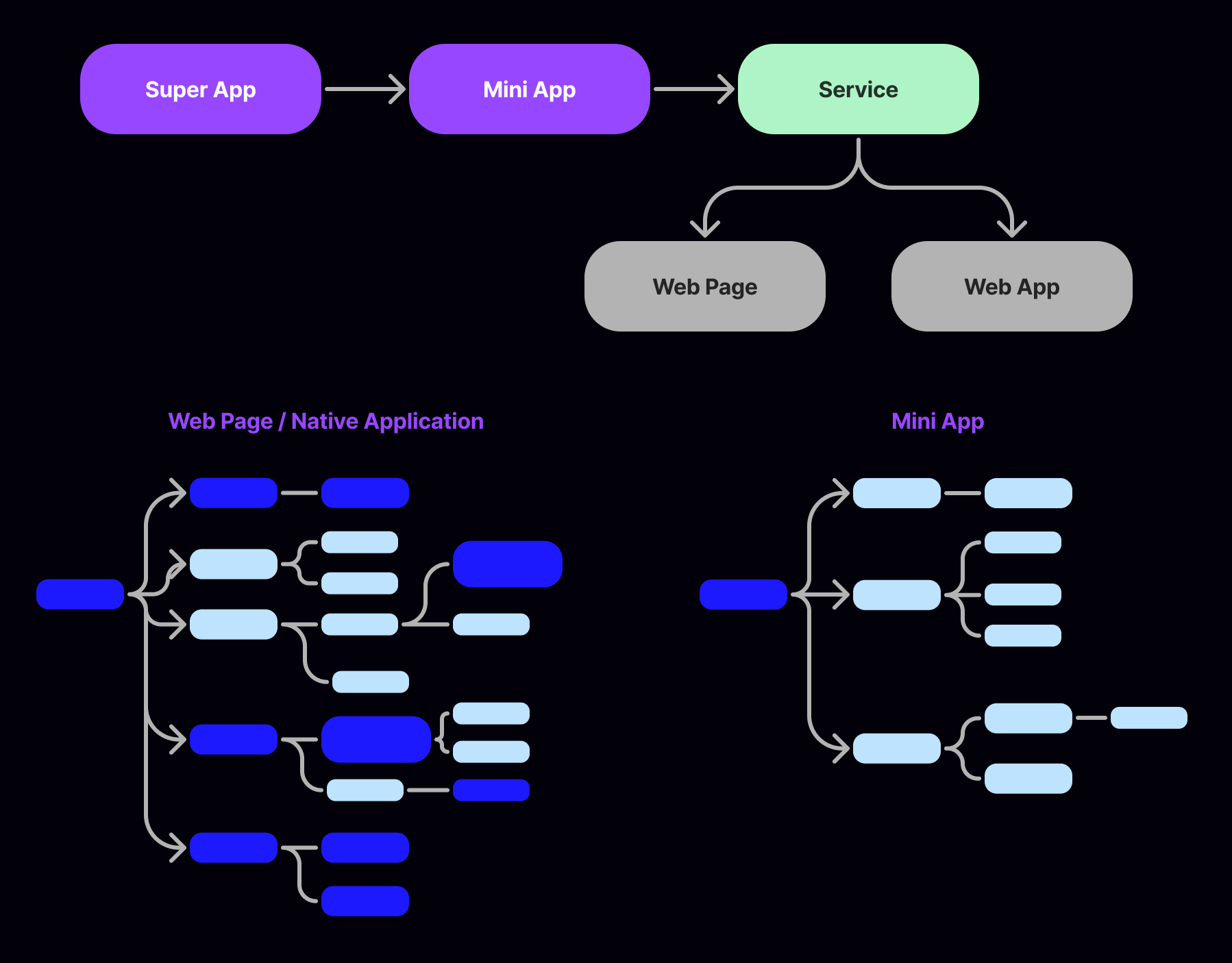
MiniApps are services that can be embedded within the SuperApp Framework, offering various benefits such as a low learning curve based on web technologies, support for both iOS and Android platforms through a single code project, and built-in rich components and APIs for accessing user information, chat & sign and payment capabilities within the Framework, and more. By providing these features, MiniApps enable a more efficient and streamlined mobile app experience for users and developers.
The lifecycle of MiniApp Service covers from the workspace creation to MiniApp publish.
1- MiniApp developer develops and debugs MiniApp in the preferred Integrated Development Environment (IDE).
2- MiniApp developer prepares the web application URL.
3- MiniApp developer joins the workspace as an admin through being invited by the workspace admin via email invitation.
4- If MiniApp developer has the admin access to the Portal, MiniApp developer can create MiniApps on the Portal and submit the MiniApp with name, description, app logos and spotlights, redirect URI and more.
5- After successful MiniApp creation, unique Client ID and Client Secret will be established automatically for MiniApp.
6- Workspace admin reviews the newly created MiniApp before publishing it on SuperApp Platform.
7- If the review is approved, then the SuperApp Portal admin can release the SuperApp including the newly added MiniApp.
8- Finally, the users can open the MiniApp in the published app.