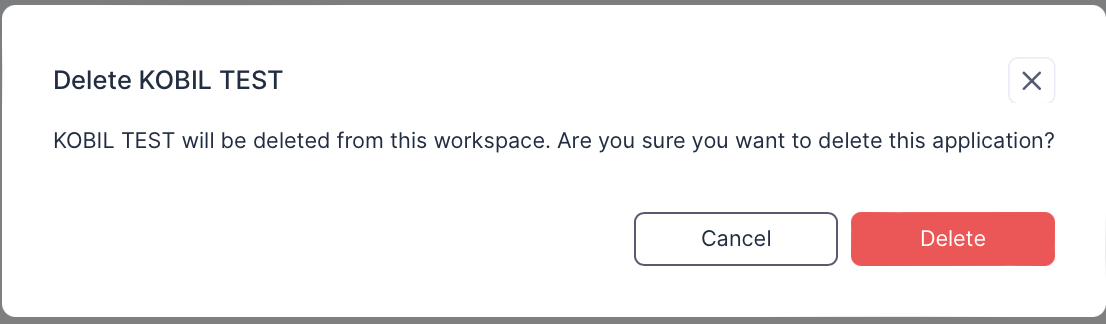
Apps
Search and Filter
In the Apps View, you can filter the version.
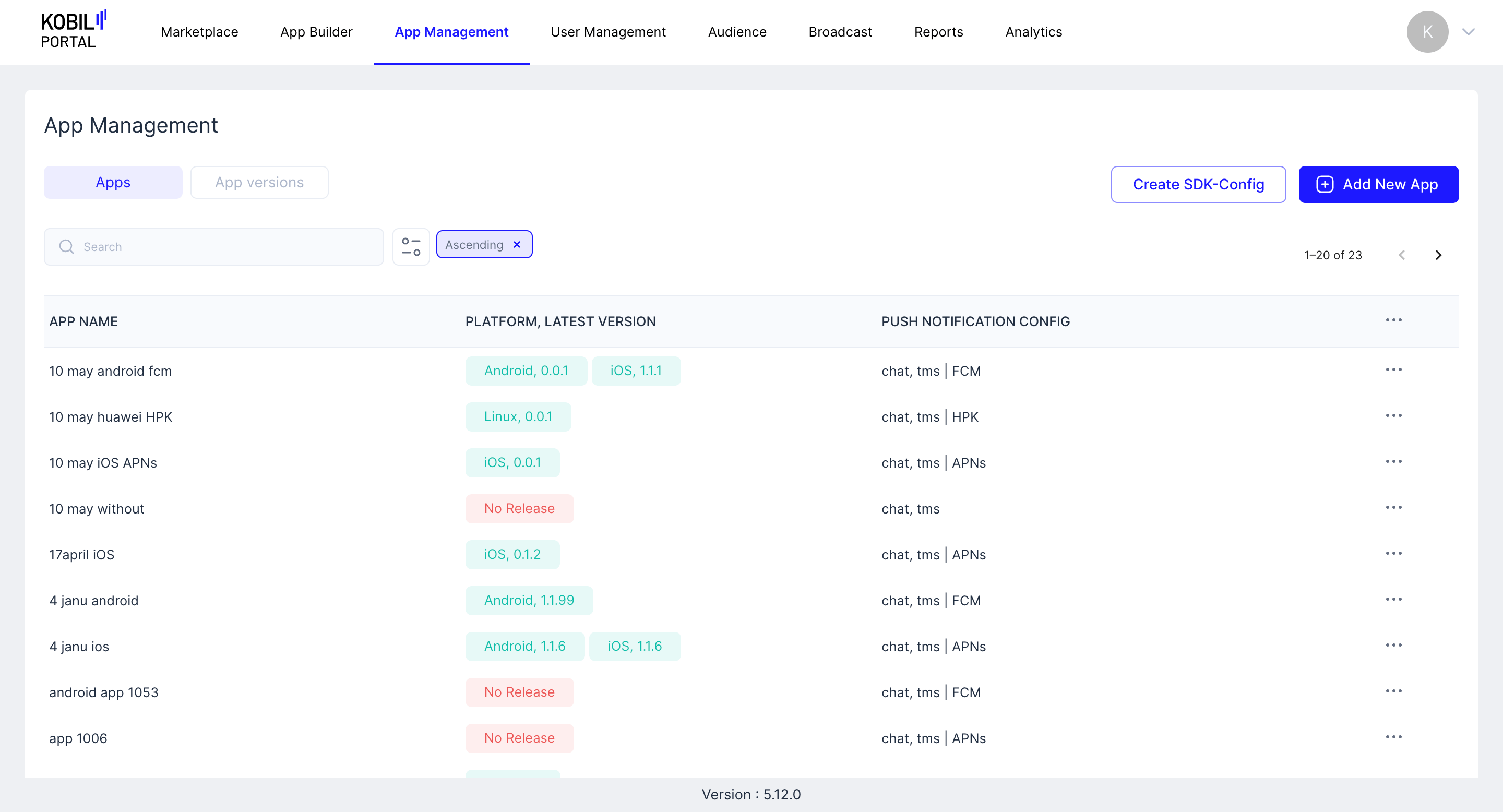
Create SDK Config
The flow is used to create an SDK Config file that can be used in the app development for configuring MasterController. The config file contains host details and encrypted certificate details.
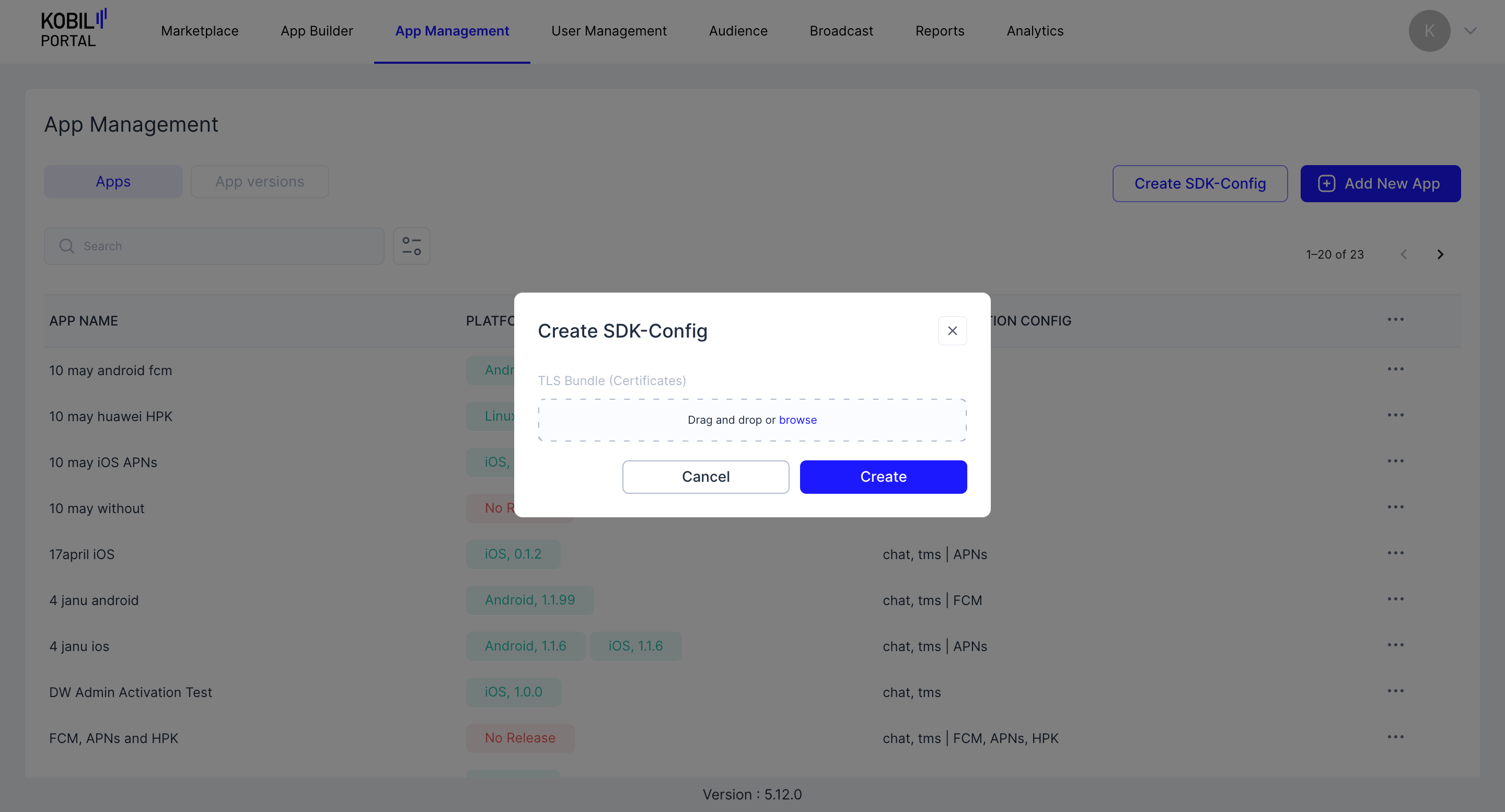
Add new App
The flow can be used to add a New App that will appear under the Apps tab.
note
App Name is the only mandatory field. (App Name cannot be changed)
Additional Settings
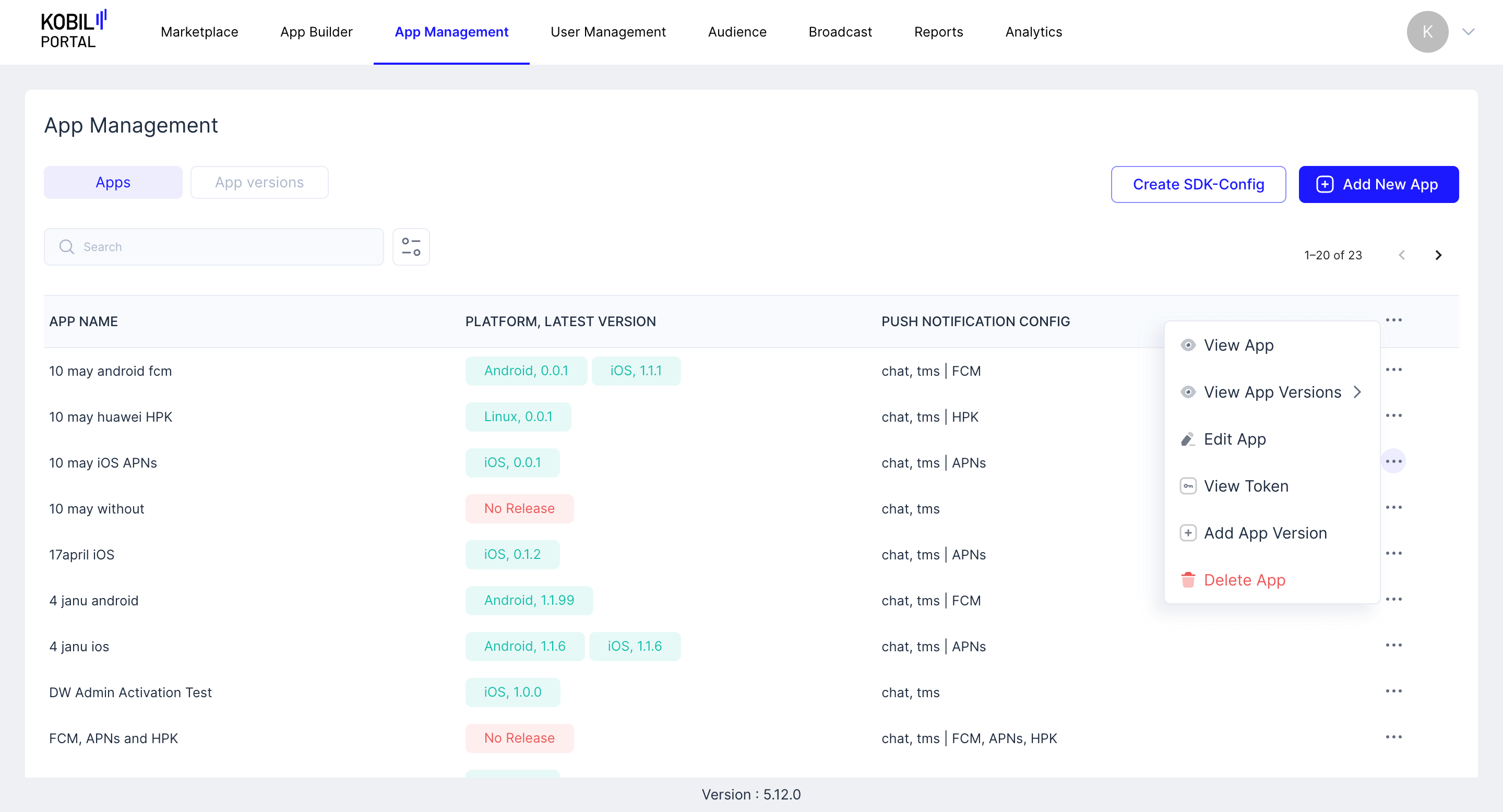
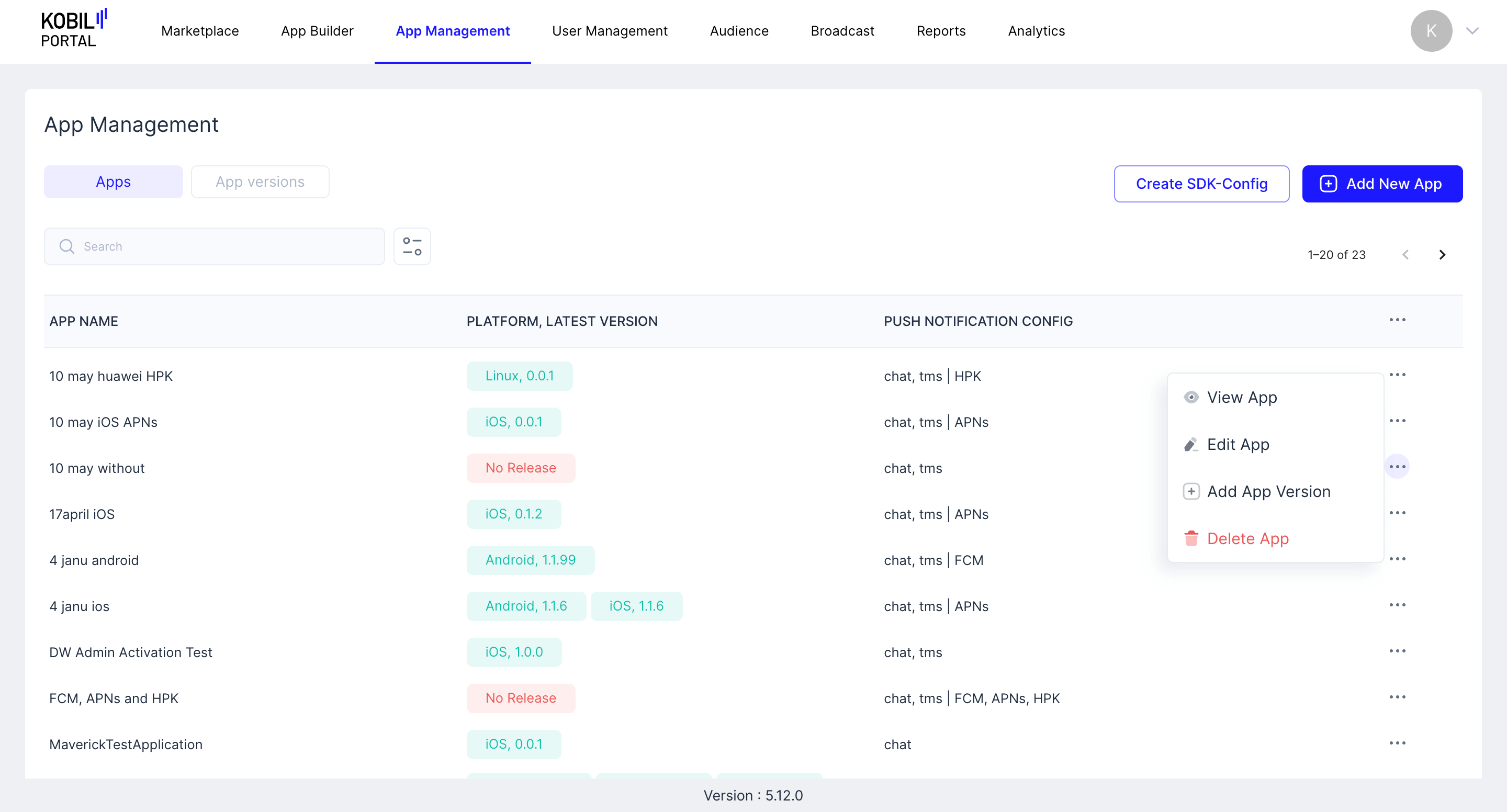
Click on three-dotted button to see the additional settings menu.
Already Released:
No Release:
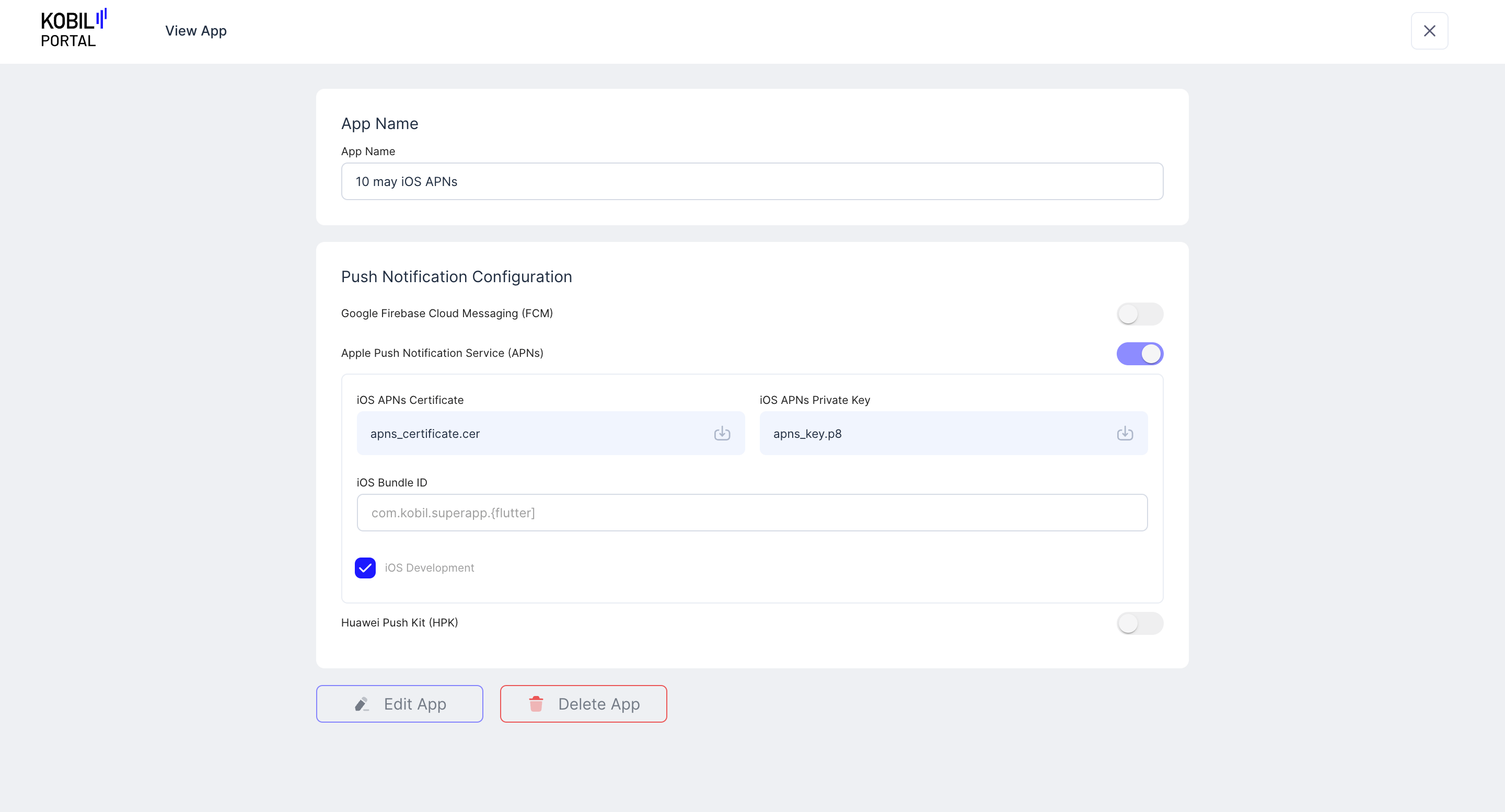
View App
You can also “Edit App” and “Delete App” from this screen
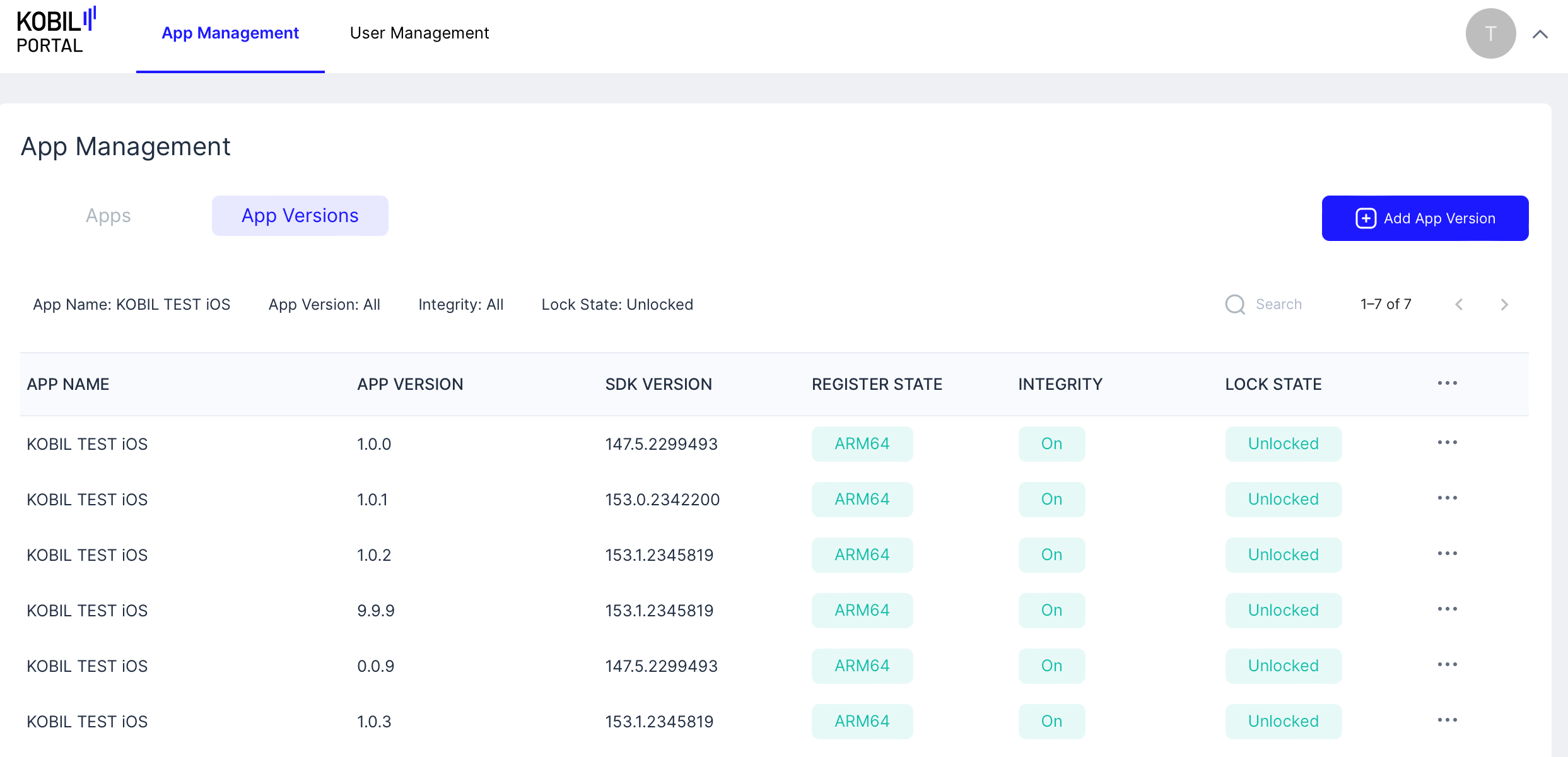
View App Versions
Select the platform:
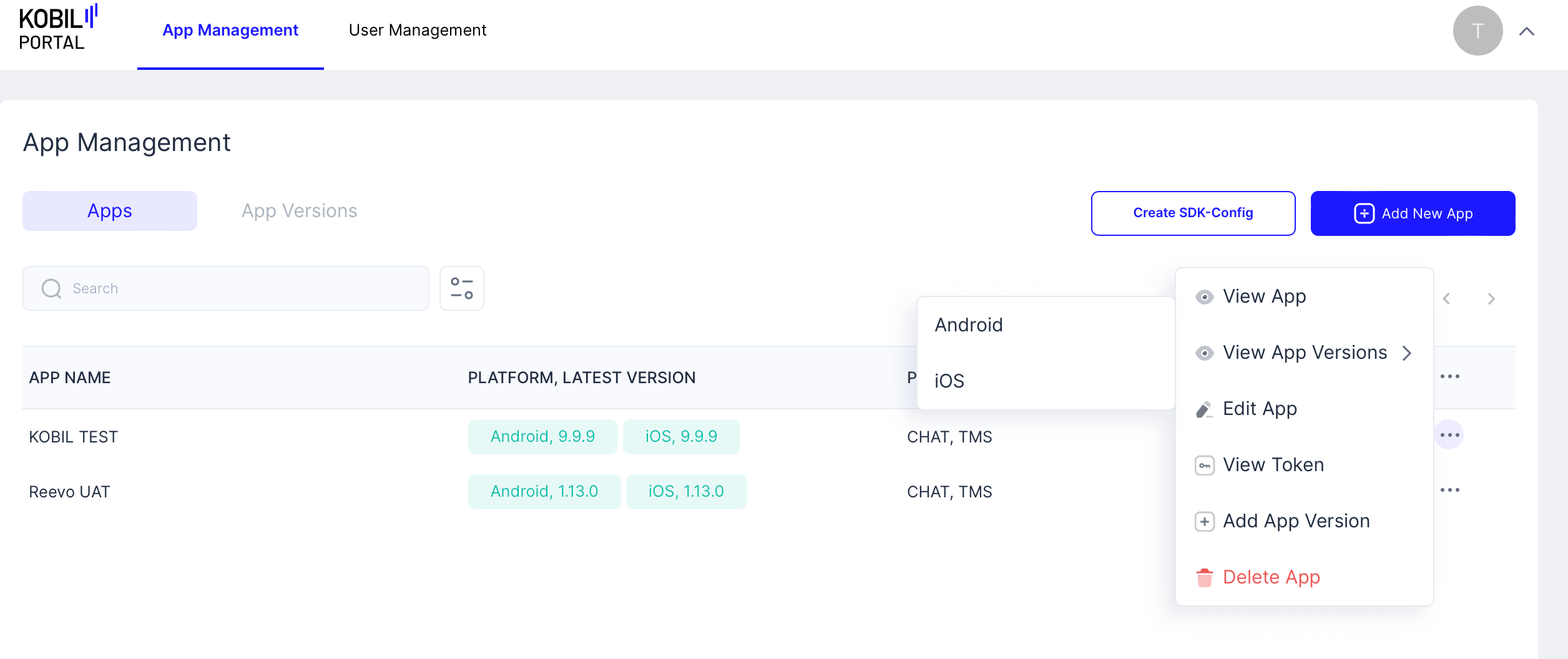
Selected Platform's App Version are displayed:
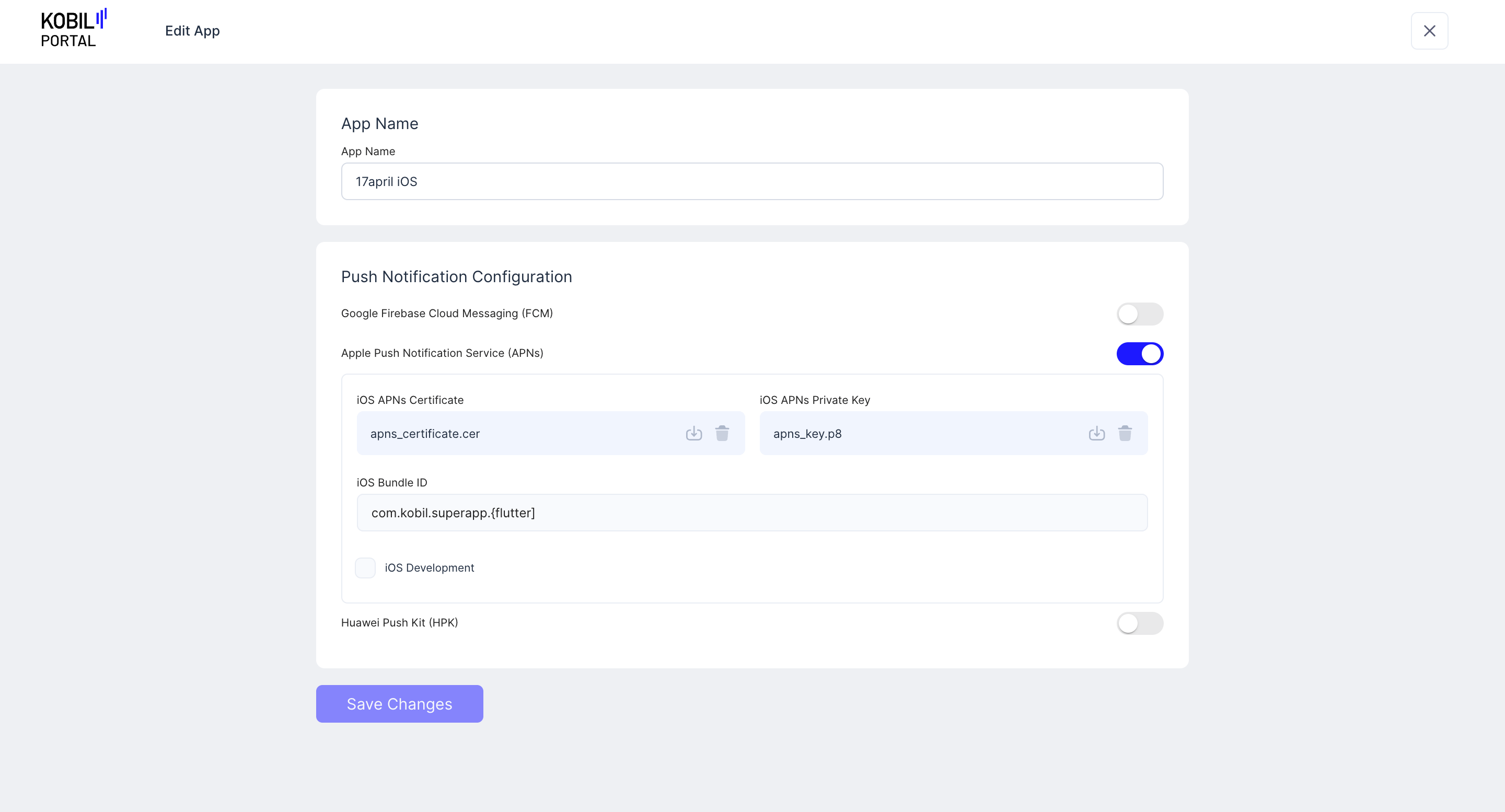
Edit App
App Name cannot be changed. Changes can be made to the “Push Notification Configuration”. Click “Save Changes” to proceed with the changes.
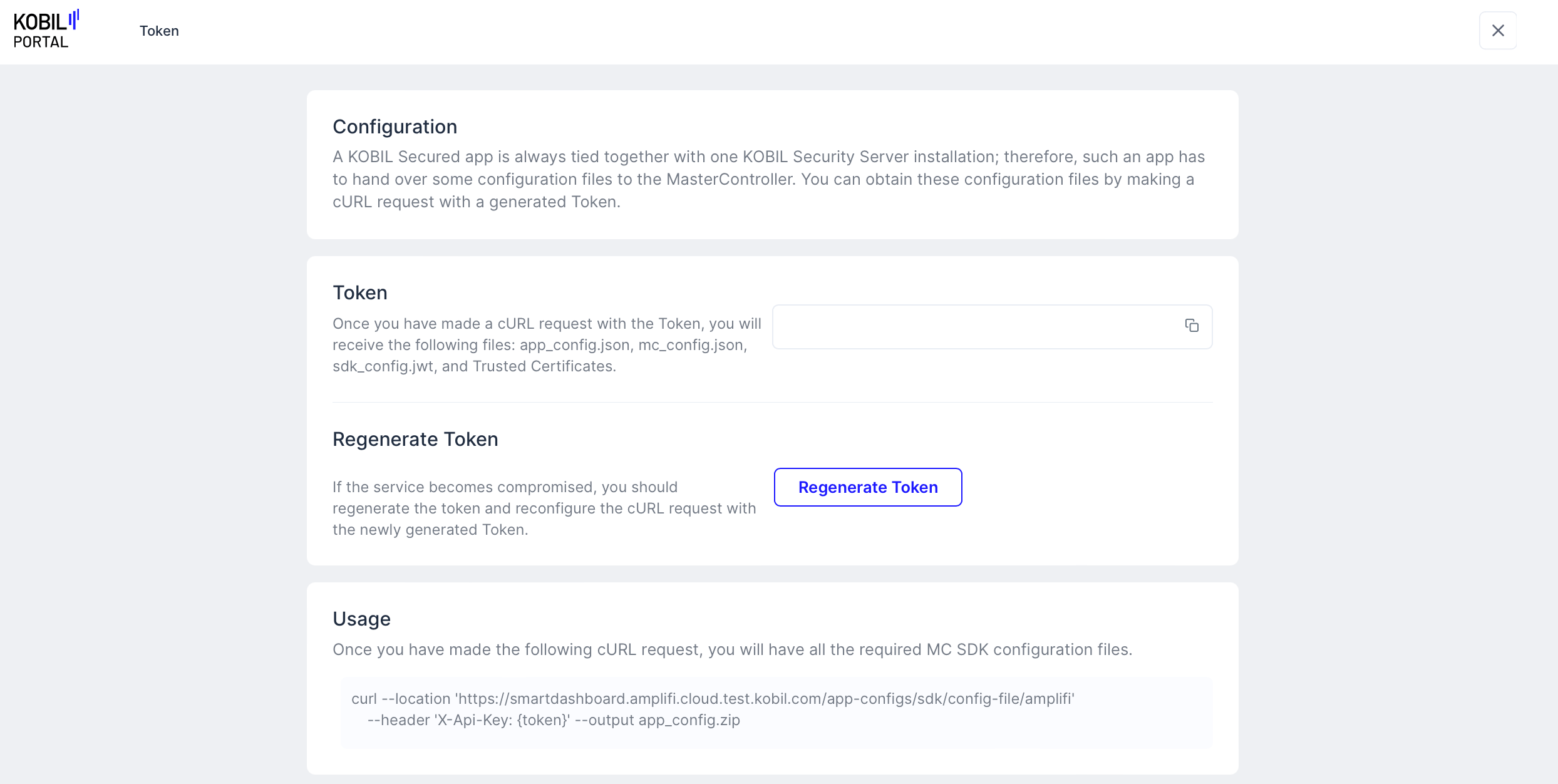
View Token
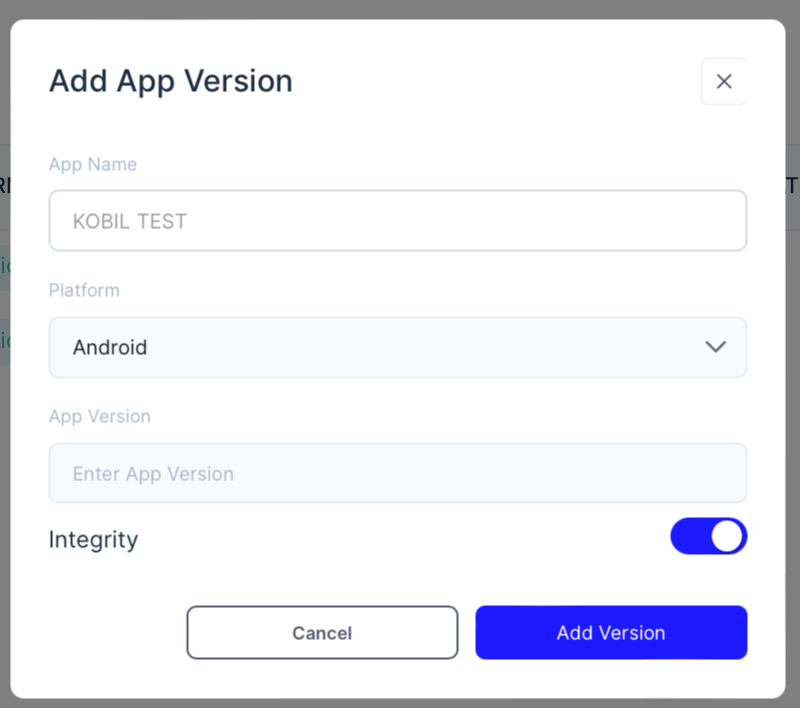
Add App Version
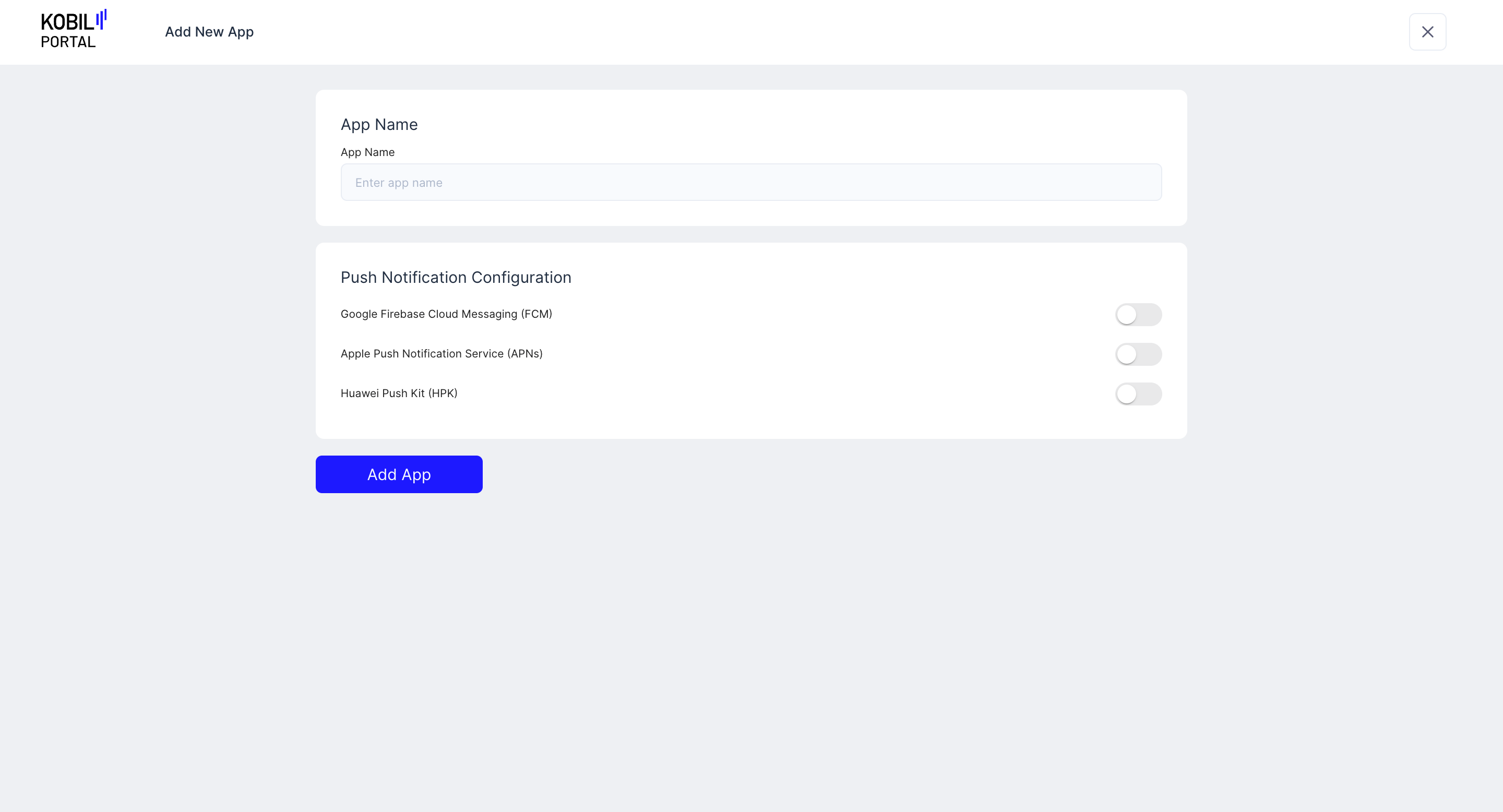
Delete App