Feedback
Feedback plays an essential role in user interface design, providing users with immediate and clear responses to their interactions. Effective feedback helps users understand the system’s state and reassures them that their actions have been recognized and processed.

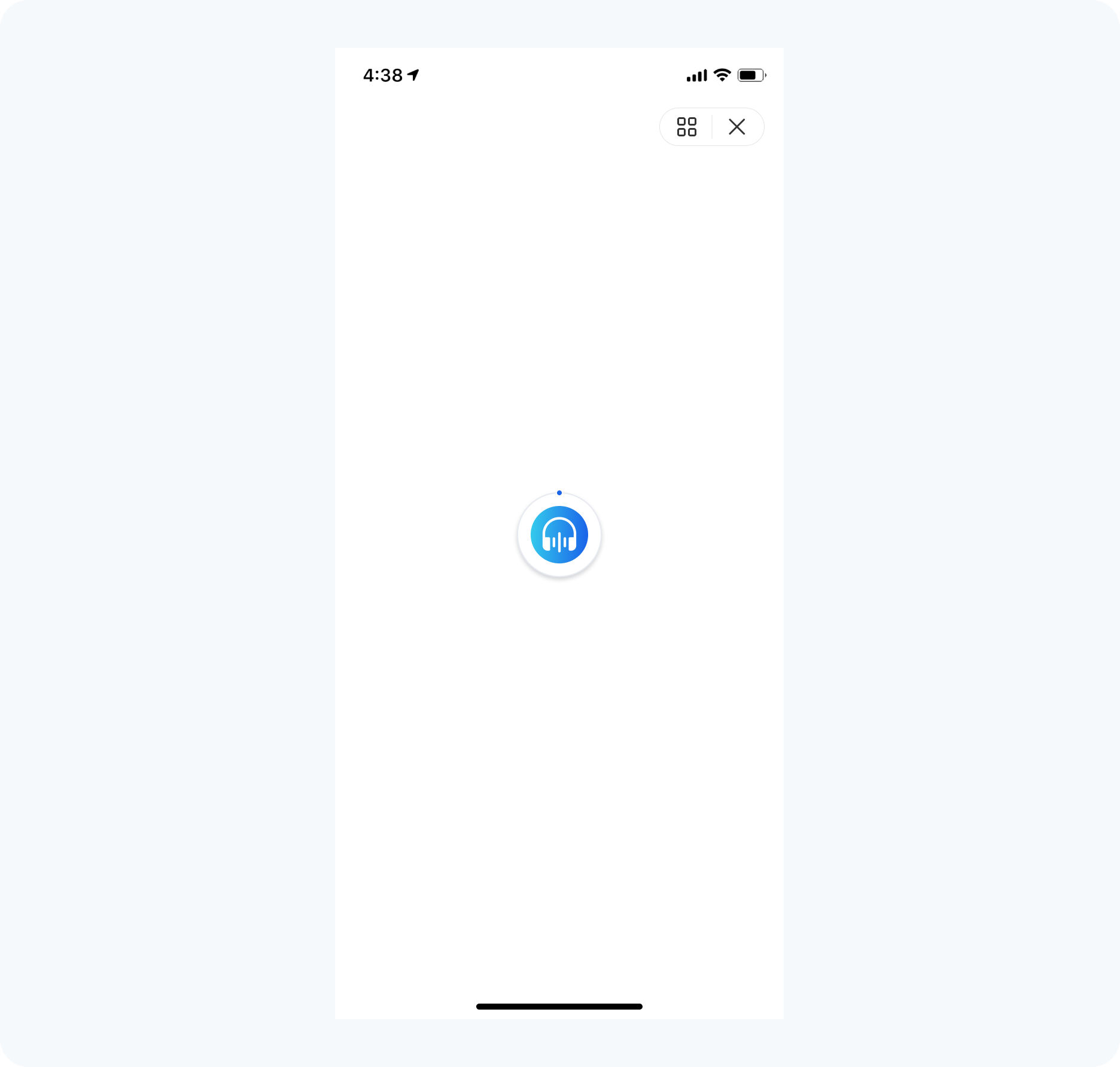
Start-Up Screen Loading
The service start-up screen displays your service logo and the loading status. Elements on this screen other than the service icon, such as the loading progress indicator, are provided by default by the KOBIL SuperApp Platform and cannot be modified.
In-Service Loading Feedback
Purpose
Purpose: During operations that require loading data or processing requests, it's essential to keep the user informed about what is happening.
Implementation
Implementation: Use clear and consistent loading indicators such as spinners, progress bars, or skeleton screens to inform users when data is being processed or retrieved, enhancing their experience during wait times. These indicators should be prominent enough to be noticed but not so intrusive as to disrupt the overall user experience.

Modal Dialog Boxes (Alerts)
Purpose
Purpose: Modal dialog boxes should be used to focus user attention for crucial actions or information, with clear, actionable items provided for quick user response.
Implementation
Implementation: When a modal dialog box appears, it should clearly indicate its purpose and provide a straightforward means for the user to respond. This includes using descriptive text and actionable buttons (e.g., "Confirm", "Cancel"). Ensure that the modal's appearance clearly distinguishes it from the rest of the UI, often by dimming the background or using drop shadows.

Result Screens
Purpose
Purpose: Result screens are used to communicate the outcome of an interaction or process, such as a completed transaction or a submitted form.
Implementation
Implementation: The screen should clearly state the result (success, error, or information) and provide guidance on subsequent steps. Use icons, colors, and typography to emphasize the nature of the message. Additionally, result screens might include buttons or links for further actions (e.g., "Go Back", "View More", or "Retry").