Push Notifications
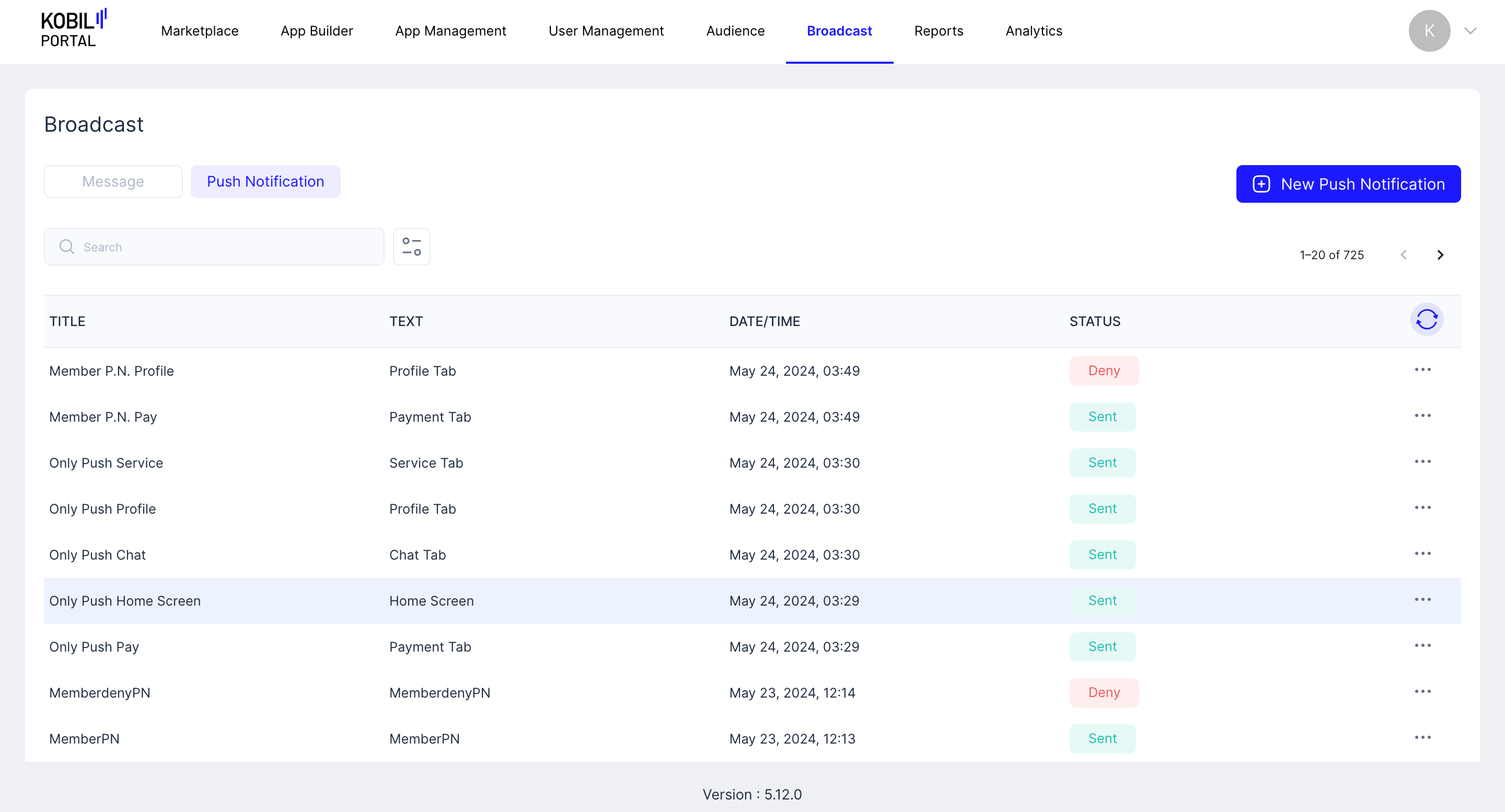
Push Notification that can be sent from “KOBIL Portal” to “Broadcast”.
Message vs Push Notification
- Both Messages and Push Notifications are sent to App Users.
- Both Messages and Push Notifications can be sent to a specific list of App Users (Custom AppUser Lists are created with Audiences)
- Messages appear under Chat inside the SuperApp
- Push Notifications are not saved after the user clicks or dismisses the Push Notifications - The user cannot see an old Push Notification
note
Workspace Users can send or schedule Push Notification to App Users from the “Push Notifications” module under “Broadcast”.
ADDITIONAL OPTIONS
Additional Options (three-dotted button) | Functionality |
| Edit/View | View → If the Push Notification is already Sent, Failed, Partially Failed or Denied. Edit → The Push Notification is scheduled, making edits will makes changes directly to the scheduled Push Notification. ➡️ If “Workspace Member” makes edits, the changes will be needed to be approved again by a “Workspace Owner”. |
| Resend/Reschedule | “Workspace User” can resend old Push Notification, and reschedule Push Notification that hasnt been sent yet. |
| Delete | Push Notification can be deleted: ➡️ If a scheduled Push Notification is deleted before it is sent, the Push Notification broadcast is deleted. No Push Notification will be sent. ➡️ If an already sent Push Notification is deleted, the Push Notification is only deleted from KOBIL Portal, Push Notification are stored inside Chat for App User. App User cannot see old Push Notifications anyway. |
STATUS
| STATUS | Description |
| Schedule | Push Notification is scheduled to be sent to the App Users. |
| Pending | Workspace Owner is yet to Approve or Deny the request. |
| Deny | Request for Push Notification is denied. |
| Sent | Push Notification is sent. |