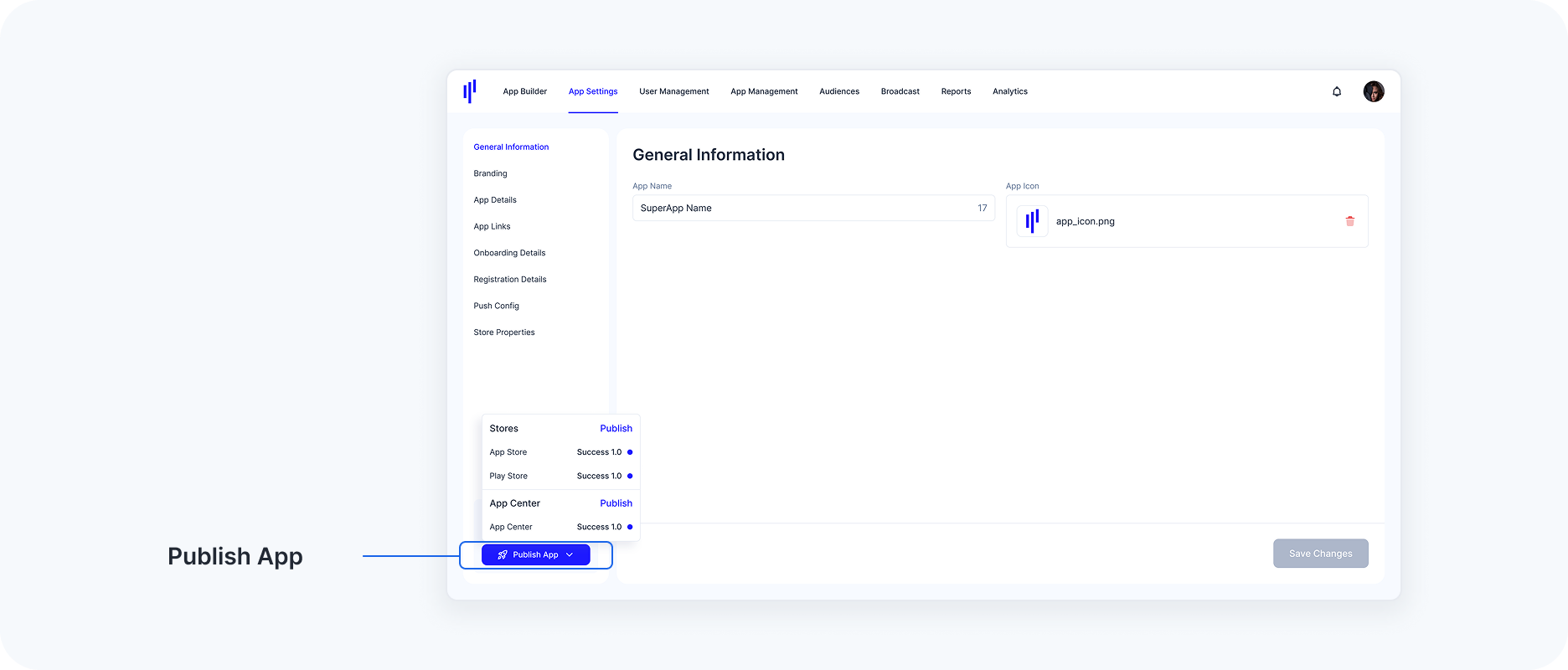
Review & Publish
Review App Settings Before Publishing
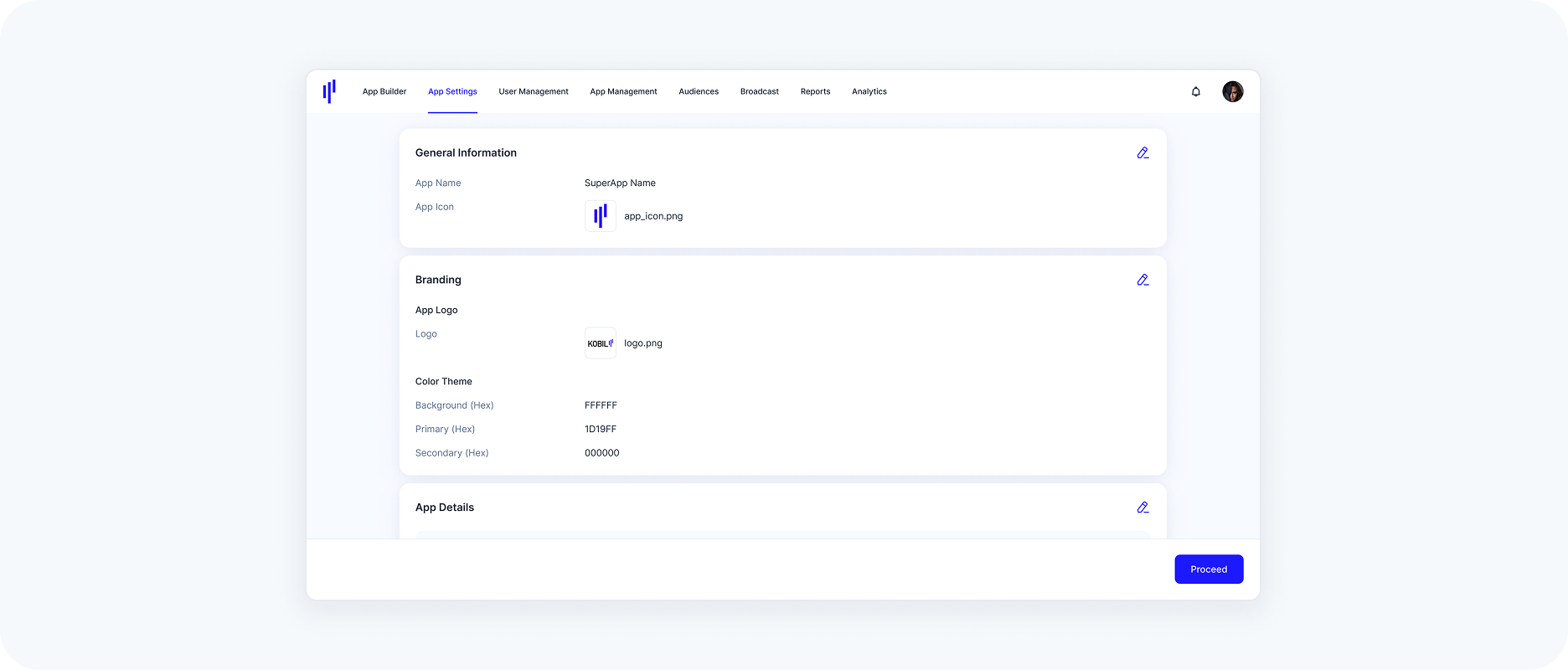
Before publishing your SuperApp, we provide a review screen where you can double-check all your configured app settings to ensure everything is correct. This step helps confirm that your SuperApp is properly configured and ready for deployment.
Double-Check for Accuracy: Ensure that all the provided information, such as app IDs, certificates, keys, and URLs, is correct and matches your app’s configuration.
Proceed to Publish: After reviewing all the settings, click "Proceed" to complete the app publishing process.
Publishing Status
Once the app publishing process begins, you will see the status of each store listed under the Publish App button. This indicates the progress of your app’s publication across multiple platforms. The following status indicators are used to display the progress:
Not Yet Started: The publication process has not been initiated for the selected store or platform.
Pending: This status indicates that the publishing process is currently in progress for the selected store or platform. The app is in the queue to be processed or uploaded, but the publishing steps are not yet complete.
Success: The app has been successfully published to the selected store or platform and is now accessible.
Fail: The app publishing process encountered an error and was unsuccessful. You will need to troubleshoot the error and attempt the process again.